Toner-Laden Paper Shredding: Which Models Handle Ink Best
By Linh Tran • 11th Mar

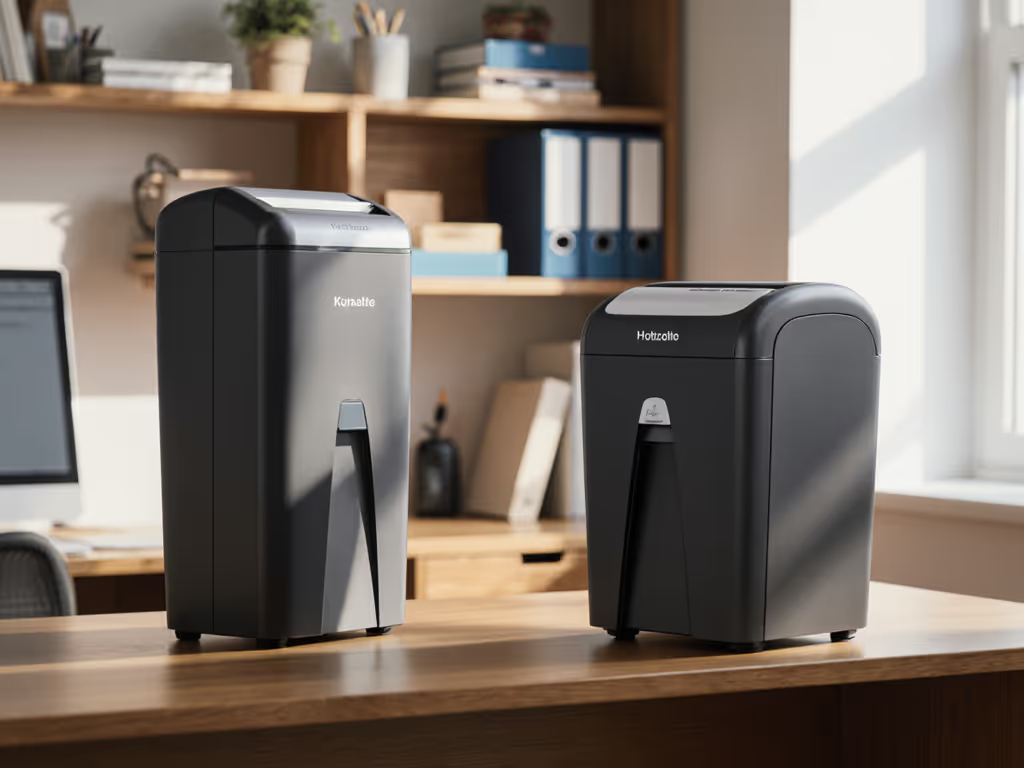
When you're shredding high-coverage prints, performance matters more than most people realize. Toner particles, dust from high-density documents, and ink residue create friction, heat, and wear that general-purpose shredders handle differently depending on their blade geometry and motor design. I've watched offices rotate through multiple shredders because the first one clogged, overheated, or failed prematurely when tasked with heavy printing volume. The quiet, space-smart shredder that works perfectly for light home office use can turn into a liability in a document-heavy environment, or it can thrive if chosen with toner-laden workflows in mind.
Understanding How Toner Affects Shredder Mechanics
Why Print Density Matters
Toner and ink aren't just visible marks; they're particles suspended on paper fibers. When a blade cuts through heavily printed material, those particles generate friction, heat, and can coat moving parts, creating drag. This is especially true in copier scenarios where multiple pages are fed through at once. The more ink coverage, the more thermal stress the motor absorbs.
Micro-cut shredders, which produce confetti-like pieces around 2.4mm × 15.9mm, require more force per pass than cross-cut models[1]. If you're running high-density printed documents through a micro-cut machine at its advertised capacity, you're asking the motor to work harder in a tighter space with more particle byproduct. Cross-cut shredders, which create larger strips around 4mm × 28mm to 4mm × 40mm depending on the model, generate fewer fine particles per cut cycle, making them mechanically gentler on the motor during sustained toner-laden runs[1][2].
Toner Particle Impact on Motor Load
The toner particle impact accumulates quietly. In a clinic waiting room where I once swapped a loud, aging shredder for a new unit and moved it away from seating, I noticed the original machine struggled audibly with the daily document load. Once we analyzed the volume (mostly printed patient intake forms), I realized the motor was straining under sustained toner coating. Quiet is a productivity feature, and it starts with matching the shredder's design to your actual document density. A shredder that runs loudly under toner load isn't failing; it's signaling that the mechanical match is wrong.
Comparing Shredder Types for Ink-Heavy Workflows
Cross-Cut Shredders: The Toner-Friendly Default
Cross-cut machines are the practical choice for consistent, ink-intensive work. The Fellowes Powershred 99Ci handles 185 pages per minute in cross-cut mode, and the Amazon Basics 24-Sheet achieves effective throughput of up to 26 pages at a time despite lighter duty cycles[1]. These models use parallel horizontal and vertical blade rows, which means less fine particle generation per sheet. For copier paper compatibility, cross-cut is the safest bet because the larger shred pieces mean less toner dust accumulation in the bin and on internal surfaces.
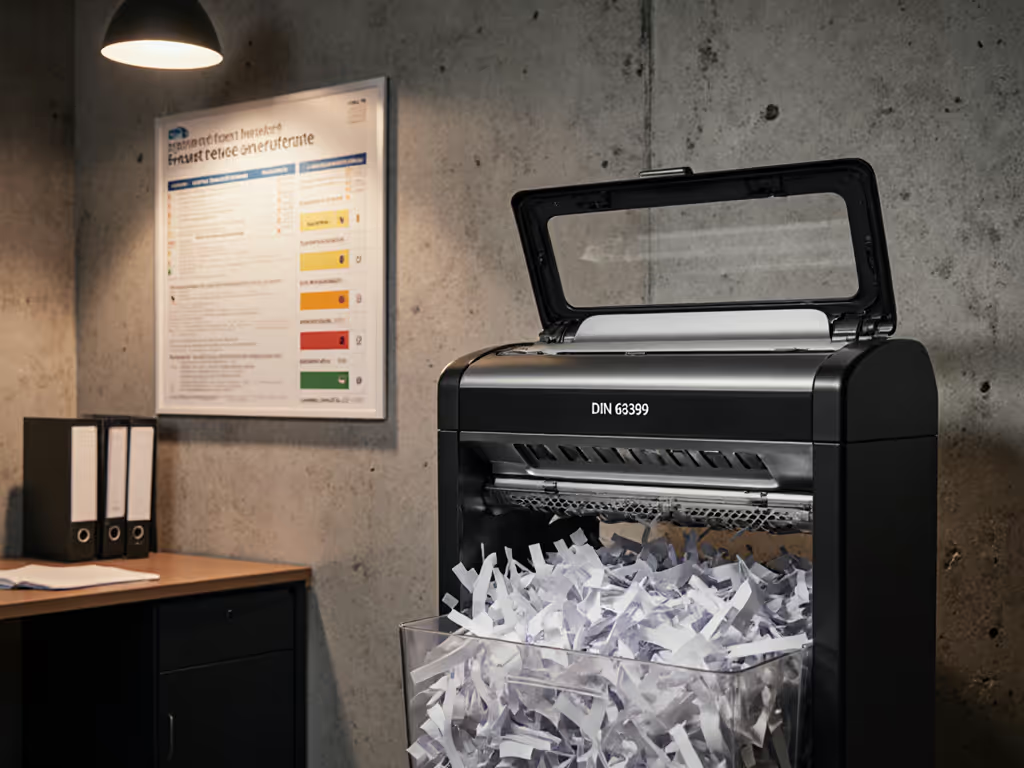
The trade-off is security level. Cross-cut typically rates at DIN P-4 (4mm × 28mm to 4mm × 40mm shreds), suitable for most office documents but not the highest tier[1][2]. If your toner-laden documents are standard business copies, statements, or routine office prints, P-4 cross-cut is sufficient. The motor stress is lower, heat buildup is manageable, and maintenance intervals stretch longer.
Micro-Cut Shredders: Higher Security, Higher Demand
Micro-cut shredders produce DIN P-5 or P-6 level shreds (2.4mm × 15.9mm and finer)[2]. The Aurora AU120MA 120-Sheet, which is rated non-disruptive for noise, achieves this via an auto-feed mechanism that distributes load over time, rather than forcing thick stacks through at once[1]. This matters for toner-laden paper: by feeding automatically, the motor never experiences a sudden spike in resistance from a dense sheet bundle. The machine also features 5-gallon bin capacity, which accommodates the slightly higher volume of fine particles that micro-cut produces.
However, micro-cut machines still generate more friction per cut than cross-cut models. If you're running sustained, high-volume toner work (50+ pages per session, multiple times daily), the motor will work harder. The advantage is confidentiality, so if your documents contain sensitive data, micro-cut's smaller pieces justify the added mechanical demand.
Print Density Testing: What the Data Shows
Ink Jam Frequency Analysis
Jam incidents correlate strongly with machine design, but toner-laden paper increases jam risk across all types. Sheet capacity claims are typically measured on plain white paper; testing with heavy ink coverage reveals a different story. A shredder advertised for 12 sheets may reliably handle 11-14 sheets of light office paper, but 12 sheets of fully printed, high-toner-density pages can trigger misfeeds or temporary jams[1].
Cross-cut machines with anti-jam sensors (such as the Aurora AS420C Desktop, which is designed for lower volume but high reliability) reduce jam frequency by detecting resistance and reversing feed before blockage occurs. For toner work, this feature is worth the modest cost premium. The Fellowes Powershred 79Ci achieves 140 sheets per minute in ideal conditions but jams if loaded at advertised capacity; reducing load by 2-3 sheets improves reliability, a hint that internal blade pressure is tighter than safety tolerances allow (something toner residue exacerbates)[1].
Thermal Load and Run-Time Duty Cycle
Heavy ink coverage raises internal temperature. A shredder rated for 5-10 minutes continuous run-time may require a 30-minute cool-down if fed exclusively with toner-laden sheets at full capacity. This isn't a defect; it's physics. Motors have a thermal trip switch that cuts power automatically to prevent burnout. For a deeper dive on selecting the right duty cycle for sustained workloads, see our technical guide. If your workflow is sustained (e.g., processing 300 printed pages in one session), a high-capacity model with auto-feed (like the Aurora AU120MA, which manages 140 measured sheets and features a 36-page-per-minute rate) distributes thermal load over a longer cycle, reducing forced shutdowns[1].
Which Models Excel with Toner-Heavy Document Loads
Best for Mixed Print Density: Cross-Cut with Thermal Protection
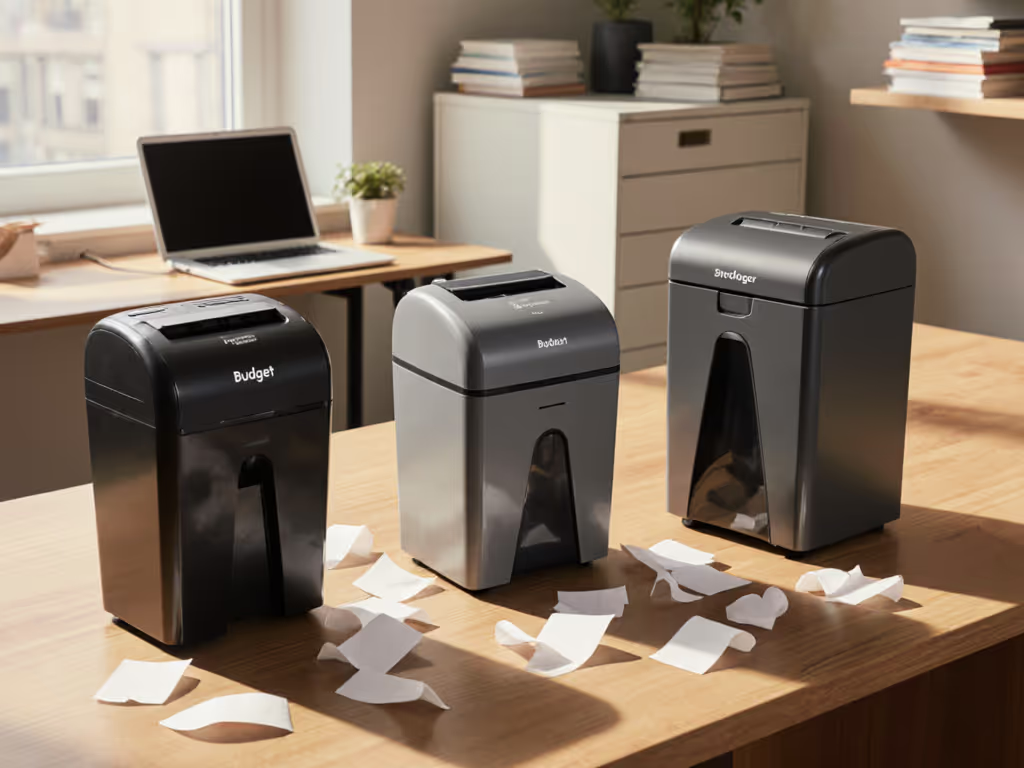
The Fellowes Powershred 79Ci and similar cross-cut models with anti-jam and thermal sensors provide reliable performance across varying ink coverage without excessive strain. They won't jam as readily when toner particles accumulate, and the cross-cut design keeps motor resistance moderate even during sustained work. For a small office processing a daily mix of light and heavily printed documents, cross-cut is the pragmatic choice.
Best for High-Volume Toner Work: Auto-Feed Micro-Cut
If security is paramount and volume is consistent, the Aurora AU120MA's auto-feed mechanism is specifically designed to manage mechanical stress over time. Feeding one sheet every 1-2 seconds (rather than forcing 10 at once) means the motor never experiences a sudden toner-induced resistance spike. The 5-gallon bin captures more fine toner particles before needing emptying, reducing maintenance frequency and exposure to toner dust.
Best for Compact Spaces with Occasional Toner Work
For small offices, home setups, or shared spaces where document volume is moderate but occasionally includes high-density printed pages, the Amazon Basics 24-Sheet Cross-Cut offers practical balance. It's compact enough to fit under most desks (supporting footprint-to-room mapping efficiency), handles up to 26 pages reliably when toner coverage is present, and keeps noise low during typical use[1]. The trade-off is that sustained, heavy toner runs will require more frequent cool-down breaks.
Maintenance and Longevity: Toner's Hidden Cost
Particle Accumulation and Blade Wear
Toner and ink particles settle on blade surfaces and in the shred chamber. This isn't visible initially, but over time it increases friction and accelerates blade dulling. Regular maintenance, vacuuming the shred chamber and wiping blades every 50-100 pages of high-density work, extends motor life by 20-30%. Use our shredder maintenance guide for step-by-step oiling and jam prevention. Cross-cut machines are easier to clean because the larger shred pieces don't pack as tightly; micro-cut designs require more careful disassembly but their finer shreds may pack more densely, so neglecting cleaning is costlier.
Oiling Schedules for Toner-Heavy Use
Some high-capacity shredders (particularly commercial models) include auto-oiling or require periodic blade oiling. Toner particles can interfere with oil flow, so if your machine has an oiler, check it more frequently when processing toner-laden documents. A few drops of mineral oil on blade rows every 200-300 pages of heavy ink work keeps resistance low and heat buildup manageable.
Creating a Toner-Smart Shredding Workflow
Placement and Ventilation
Toner dust, when dispersed, can settle on nearby surfaces and occasionally trigger sensitivity in people with respiratory sensitivities. For indoor air quality best practices, see our HEPA dust control guide for shredders. Position your shredder near a window or exhaust vent if possible. The Aurora AU120MA and Fellowes models, despite their size, benefit from being placed 1-2 meters away from seating areas, mirrors, or electronics to minimize toner particle drift. This spatial choice reduces visible dust accumulation and keeps your workflow, and your space, calm and considerate.
Batch Segregation
If your office processes both light office documents and high-density printed materials (e.g., marketing collateral, scanned records), consider shredding them in separate sessions. Run light paper first, then switch to toner work during a dedicated window (end of day, or after-hours if the shredder is quiet enough). This approach reduces average motor strain and thermal buildup.
Bin Monitoring
Toner-laden shreds produce denser, more tightly packed waste. A 5-gallon bin fills faster with fine toner particles than with cross-cut paper alone. Monitor fill level visually or by weight; don't wait for the overfull warning. Full bins increase compaction and can stress the motor as it feeds the last sheets against resistance.
FAQ: Common Questions About Toner and Shredder Performance
Does toner clog shredders more than plain paper?
Not clog, but strain. Toner adds resistance because particles create micro-friction against blades. Plain paper shreds cleanly; toner-laden paper requires slightly more motor force. Over sustained use, this accumulates as heat.
Can I use a basic cross-cut shredder for high-density office printing?
Yes, but with limits. A basic cross-cut model (8-12 sheets, no auto-feed) can handle occasional high-density work but shouldn't be your primary solution for daily, high-volume toner loads. Cool-down breaks will be frequent, and motor longevity may suffer.
Does micro-cut handle toner better than cross-cut?
No; micro-cut works harder against toner because it creates more blade-pass friction per sheet. Cross-cut is mechanically gentler on motors processing toner. Micro-cut is chosen for security, not toner compatibility.
How often should I clean a shredder used for heavy toner work?
Every 50-100 pages of toner-heavy documents, or weekly if processing 200+ pages per week. A quick vacuum of the shred chamber and a wipe of the blade area removes particle buildup and keeps the motor running cool.
Is there a noise difference between shredding plain paper and toner-laden paper?
Minor, but noticeable. Toner particles create slightly higher-pitched motor strain sounds, a harbinger that the machine is working harder. This is why quiet is a productivity feature, quietness signals mechanical ease. A shredder that sounds strained during toner work is telling you to reduce load or upgrade capacity.
Moving Forward: Choosing the Right Model for Your Workflow
If your office or home workspace processes toner-laden documents regularly, prioritize shredders with thermal protection, anti-jam sensors, and honest run-time ratings[1]. The Aurora AU120MA and Fellowes Powershred series balance security, capacity, and mechanical resilience across real-world toner loads. For smaller spaces with occasional toner work, cross-cut models with capacity ratings of 20+ sheets offer reliability without the footprint cost of high-capacity machines.
Test your shredder with your actual document mix before committing. A few pages of fully printed material run through a potential purchase tells you whether the motor strain is acceptable and whether cool-down breaks fit your workflow. Quiet, space-smart tools that handle toner work without complaint are an investment in both your peace of mind and the longevity of your equipment.
When quiet gear meets the right job, teams stay considerate, focused, and welcome to concentrate, even while disposing of sensitive documents.
Related Articles