
How Humidity Affects Shredder Cut & Jam Performance
By Linh Tran • 19th Mar
Understanding the Problem: Why Humidity Matters More Than You Think
When you're evaluating a shredder, marketing materials promise consistent cut and reliable performance. But there's a silent variable that separates confident operation from frustration: paper humidity's impact on shredding performance. Most buyers fixate on sheet capacity and security levels, overlooking the environmental stress test that reveals whether a machine will deliver when it matters.[2] For models proven to resist humidity and heat in lab conditions, see our environmental performance lab picks.
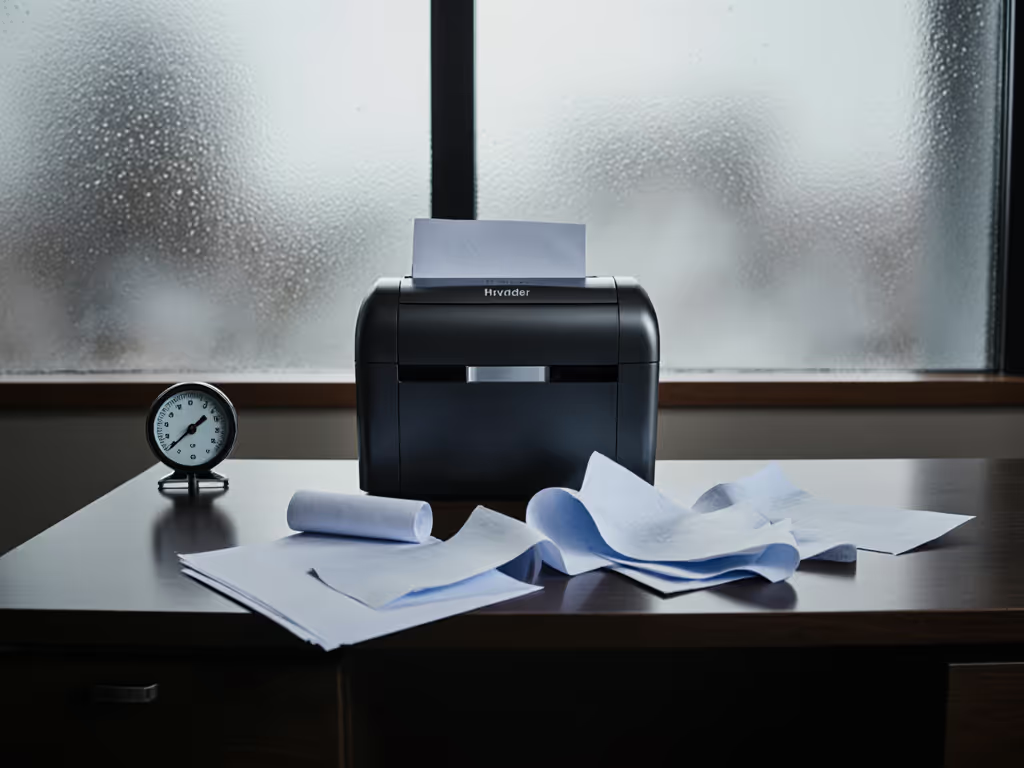
Humidity doesn't just affect your office comfort. It directly alters how paper behaves in the shredder's feed and cutting chamber. Paper is fundamentally hygroscopic, meaning it absorbs and releases moisture to match its surroundings.[4] As relative humidity climbs, paper fibers swell and soften, changing their feeding characteristics and jam resistance in ways that no technical specification prepares you for.
This matters especially if you work in shared spaces, handle sensitive documents, or operate your shredder during off-hours. A reliable shredder in a climate-controlled room becomes unreliable the moment humidity creeps above 65 percent (and most workplaces experience seasonal swings between 40 and 75 percent).[1][4]
FAQ: Humidity and Shredder Performance
What Humidity Level Is Ideal for Shredding?
The optimal range is 40-60% relative humidity (RH) for consistent paper handling.[1] This isn't arbitrary: it's the zone where paper fibers remain stable enough to feed predictably and cut without excessive strain on motors or sensors.
For comparison, the best environments for paper production operate at 40-50% RH and 72°F, a standard that reflects decades of materials science.[4] Most office buildings can maintain this range year-round with basic HVAC discipline. However, the moment you exceed 65% RH, you cross a critical threshold.
How Does High Humidity Damage Cut Consistency?
When humidity exceeds 65 percent, paper fibers draw in moisture in as little as 30 seconds, causing visible changes: sheets become limp, edges appear wavy, and the across-grain dimensions swell unpredictably.[4] Inside the shredder, this softening affects cutting quality in three ways:
Feed jamming: Swollen paper bunches compress together, blocking optical sensors that normally regulate feed speed. The shredder's safety systems assume properly-sized paper, but humid sheets stick and clump.
Inconsistent cut geometry: Cross-cut and micro-cut specifications assume paper of standard thickness and moisture. In humid conditions, paper is thicker in reality (due to fiber swelling), causing some cuts to be incomplete or rough, a degradation of the cut consistency in humidity that undermines your security level.
Blade strain and thermal stress: Motors work harder to push swollen paper through tighter gaps, generating excess heat. Lab testing at 75% RH and 104°F documented motors overheating in 3-9 minutes on machines rated for continuous duty.[2]
Why Do Shredders Overheat in Humid Conditions?
During a humid quarterly purge at a clinic where I consulted, the staff swapped to a damped, slower unit and relocated it away from the waiting area. The difference was immediate: no jams, no thermal shutdowns, no mood-killing noise during patient arrivals. That clinic learned what lab data confirms: thermal recovery speed is more reliable than throughput specs.[2]
High humidity + high ambient temperature creates compounding failure. Paper swells, increasing feed resistance. Motors draw more current. Cooling fans can't shed heat fast enough. A machine that claims "continuous duty" may enter thermal shutdown after 8-9 minutes when paper humidity rises.[2] To choose a shredder with the right run time and cooling headroom, read our duty cycle guide. The cooldown period (often 15-22 minutes) turns a 30-minute task into a 90-minute ordeal.
This is why moisture impact on shredders is really about thermal design: sealed motor housings with copper-wound windings and dynamic optical sensors outperform budget units with plastic gears and basic cooling.[2]
Can Low Humidity Also Cause Problems?
Yes, though less common in most offices. At relative humidity below 30 percent, paper fibers lose moisture and shrink, causing curl, static electricity buildup, and feeding jams.[4] Additionally, low-humidity paper is more brittle and prone to tearing rather than cutting cleanly, degrading cut quality.
The lesson: humidity is a bandwidth problem. Stay between 40 and 60 percent, and you avoid both the swelling and shrinkage traps.
How Should I Store Paper to Minimize Humidity Absorption?
Store paper in a cool, dry room (ideally between 40-60% RH) before shredding.[1] Keep reams in their original protective wrapping and store them flat to prevent warping. If you notice paper from a humid storage area (or mail that's been sitting in high humidity), let it acclimate for a few hours in your shredding room before running it through the machine.[4]
For high-security or high-volume operations, consider controlling humidity in your paper storage area with a portable dehumidifier or HVAC adjustment. The 30-50 dollars spent on prevention saves you hours of jam clearing and potential motor damage.
What Does Lab Testing Reveal About Real-World Performance?
Industry lab testing simulates stressful real-world conditions: sustained shredding over 30-60 minutes with paper at 75% RH and 104°F ambient temperature.[2] The results expose the gap between marketing claims and durability:
Sustained throughput (not peak capacity) is the metric that matters. A machine rated for "20 sheets" may jam or overheat after 3 minutes of continuous use in humid conditions, while a well-designed unit maintains 7.2 sheets per minute for 60+ minutes.[2]
Jam rate under humidity stress: lab-tested units showed as few as 0.8 jams per 100 sheets (models with dual optical sensors) versus 4.7 jams per 100 sheets (budget units with simple blade triggers).[2] Learn how jam-prevention sensors work and why dual optical systems cut failure rates. That difference means you'll spend less time troubleshooting and more time working.
Thermal recovery speed: the time from shutdown to restart. A machine that needs 22 minutes to cool isn't just annoying; it is a document handling liability if you're batch-processing mail or invoices.
Does Humidity Affect Security Level (P-Ratings)?
Indirectly, yes. A P-4 specification assumes clean, consistent cross-cut of paper at standard moisture levels. When humidity causes paper to bunch or feed erratically, cut geometry degrades: some pieces may be wider or incompletely separated, reducing the practical security level you achieve. Document security degradation happens not from cutting technology, but from environmental stress that prevents the technology from working as designed.
This is why manufacturers test their security ratings in climate-controlled labs. If you operate outside those conditions (hot, humid office; no climate control), your practical security may be one level lower than the spec sheet promises.
What Environmental Conditions Should I Monitor?
Track these metrics to predict shredder reliability in your space:
Relative humidity: aim for 40-60%. If it climbs above 65% during spring, summer, or monsoon seasons, plan to run your shredder during cooler hours or prepare for reduced throughput.
Ambient temperature: machines designed for light daily use (<50 sheets) may throttle at 75-80°F. High-humidity + high-temperature + heavy volume is the failure trifecta.[2]
Duty cycle: the percentage of time your shredder runs continuously. Light use (under 10 minutes per day in climate-controlled rooms) is forgiving. Quarterly purges or month-end document disposal demand machines with thermal headroom: larger motors, better cooling, and proven sustained throughput in stress testing.
Paper source: junk mail from humid storage, large envelopes, or mixed materials (staples, glossy inserts) add friction. Pre-sort and acclimate before shredding.
Respect the room; respect the maintenance rhythm it demands. A small damp-prone office needs a different machine than a dry, climate-controlled suite.
Key Takeaways: Translating Humidity into Machine Choice
When comparing models, demand these specifications and test results:
- Sustained throughput at 75% RH over 30+ minutes, not peak-burst ratings
- Thermal recovery time and mandatory cooldown duration
- Jam rate per 100 sheets under humid, real-world conditions (not just spec-sheet promises)
- Motor sealing and cooling design: dual optical sensors and thermal management features beat plastic gears
- Honest dB(A) noise levels at 1m and 3m, because humidity testing often includes longer run times that reveal acoustic stress Compare office-ready quiet shredder decibel tests to set realistic sound targets.
- After-hours suitability flags: can it run reliably during evening or weekend use without neighbor complaints or thermal meltdowns?
Your shredder's real-world lifespan and reliability hinge far more on environmental resilience than on sheet capacity or P-rating. A machine that sustains 7.2 sheets per minute for 60 minutes beats one that bursts 20 sheets then stalls every time, and that performance edge disappears in humid conditions unless the machine was engineered for it.
Further Exploration
Test your top candidate before committing. Run it for 10 consecutive minutes with paper lightly misted to simulate humid conditions. If it recovers smoothly and maintains feed speed, you've found a keeper. If it throttles, jams, or feels thermally stressed, move on. Marketing claims cannot overpower engineering reality. Quiet gear keeps teams considerate, focused, and welcome to concentrate on what matters. Choose a shredder that respects both your documents and the space around it.
Related Articles